
How to Restore Old Family Photos Online

Time isn’t always kind to family photos. They fade, tear, get scratched, or become discoloured after years in albums and boxes. Want to breathe new life into them but never tried your hand at photo editing? Good news: restoring old pictures no longer requires professional studios or complicated software. Thanks to AI-powered tools like https://old-photo-restoration.net/, you can now restore old family photos online in mere seconds. Let’s look at how it works and how you can bring those precious memories back to life.
3 Easy Steps to Restore Old Photos

The steps below will guide you through editing your old photos with the help of Free Online Photo Restoration Software. It’s a free tool that works online. Now let’s see what AI restoration is like:
Step 1. Upload your file
Open the website and hit the Upload Photo button. Select the picture you’d like to edit and click Restore Photo.
Step 2. Let the program process the image
You don’t have to make any changes – just give it a moment to analyse the photo and improve its quality.
Step 3. Download the restored picture on your device or PC
If you’re happy with the result, get your crisp and clear photo and share it with others!
Why Photos Get Damaged in the First Place
If you’ve ever opened an old album and noticed faded colours, small cracks, or strange spots on the image, you’re definitely not alone. Most printed photographs naturally degrade over time, especially if they’ve been stored for decades. Even when photos are carefully kept in albums, the materials used to create them were not always designed to last forever. Over the years, chemical reactions inside the paper and ink slowly change the way the photo looks.
One of the biggest causes of damage is natural fading caused by age and sunlight. Older photographs, especially those printed many decades ago, tend to lose colour and contrast over time. If photos are exposed to direct sunlight or strong indoor lighting for long periods, the fading process speeds up even more. Colours that were once vibrant can become pale and washed out, and sometimes entire parts of the image disappear into a dull grey tone.
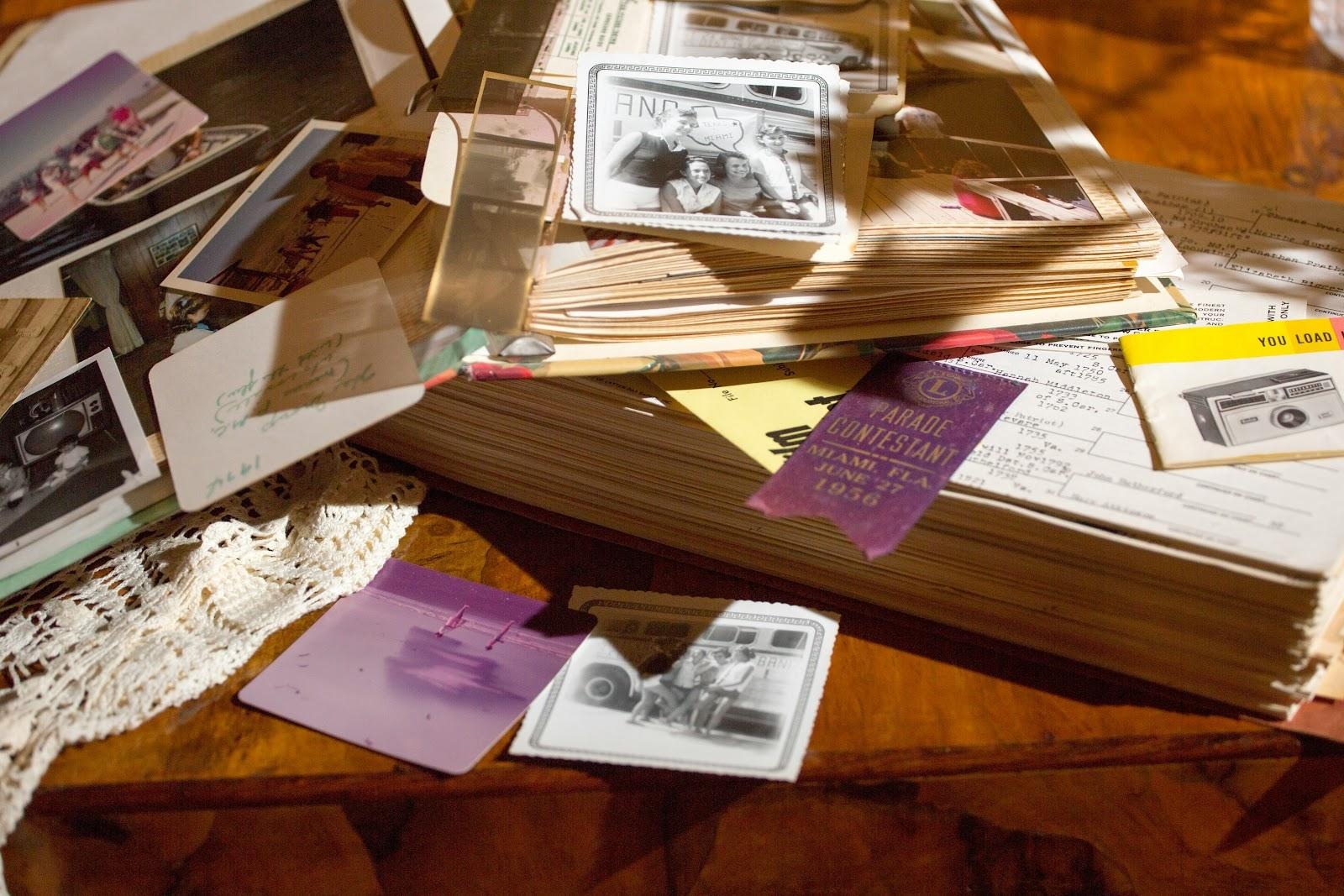
Another common reason photos deteriorate is poor storage conditions. Many families store old photo albums in attics, basements, or storage boxes without thinking much about the environment. Unfortunately, these areas often experience big temperature changes and high humidity levels. Moisture in the air can cause photos to stick together, bend, or even develop mould spots.
Handling and everyday wear also play a surprisingly big role in photo damage. Family pictures are meant to be shared and looked at, which means they often get passed around during gatherings or flipped through in albums many times over the years. Each time a photo is handled, small marks can appear. Fingerprints, tiny scratches, and creases gradually build up, especially if the pictures aren’t protected by sleeves or proper storage.
Some photos appear damaged simply because of older scanning or printing technology. Many family photos were digitised years ago using early scanners or cameras that didn’t capture much detail. As a result, the digital versions can look blurry, grainy, or poorly lit.
How to Prepare a Picture for Restoration
It’s essential to prepare your photos so the original ones are safe from any damages. A little effort at this stage can make a big difference to the final result. Let’s take a look at a few simple tips:
Clean the photo gently
If you’re working with a physical print, check it for dust or small particles. It’s better to use a soft cloth or a photography brush to remove surface dust carefully. You should also avoid using water or cleaning products, as they can damage the photo further.
Scan pictures at a high resolution
If you have access to a scanner, try scanning the image at 300–600 DPI. Higher resolution gives you more detail to work with.
Keep the image straight
When photographing a picture with your phone, make sure it’s flat and well-lit. Try to take the shot directly above the photo so it doesn’t appear tilted. By the way, natural daylight works well for this.
Crop unnecessary edges
Sometimes scans include borders, album corners, or background surfaces. Cropping the image before uploading can help the restoration tool focus only on the photo itself.
Ideas for Sharing Restored Photos with Family
Restoring an old photo is exciting, but the real joy often comes from sharing it with the people who recognise the memories behind it. Once you’ve restored a few pictures, there are lots of creative ways to share them.
Surprise relatives with restored prints
Printing restored photos can make a thoughtful gift. Imagine giving your parents a restored picture from their childhood or presenting grandparents with a clear version of their wedding photo. Many people may have never seen these images in good condition before.
Post them in family group chats
Family WhatsApp or Facebook groups are perfect places to share restored pictures. These posts often spark conversations, memories, and stories that might otherwise be forgotten. You might even discover new details about your family history.
Create a photo slideshow for special events
Restored photos are wonderful additions to birthdays, anniversaries, and family reunions. A slideshow showing images from different generations can be incredibly meaningful.
Backup the images
Most importantly, restoring photos helps protect memories for future generations. Once images are digitally restored, they can be safely backed up and stored online. That means children and grandchildren will still be able to see them decades from now.
Summing Up
Now you know more about giving old damaged pictures a polished look. With modern AI tools, the process is easier than ever. A quick scan, a simple upload, and within minutes you can see a clearer version of a moment that happened years ago.
